




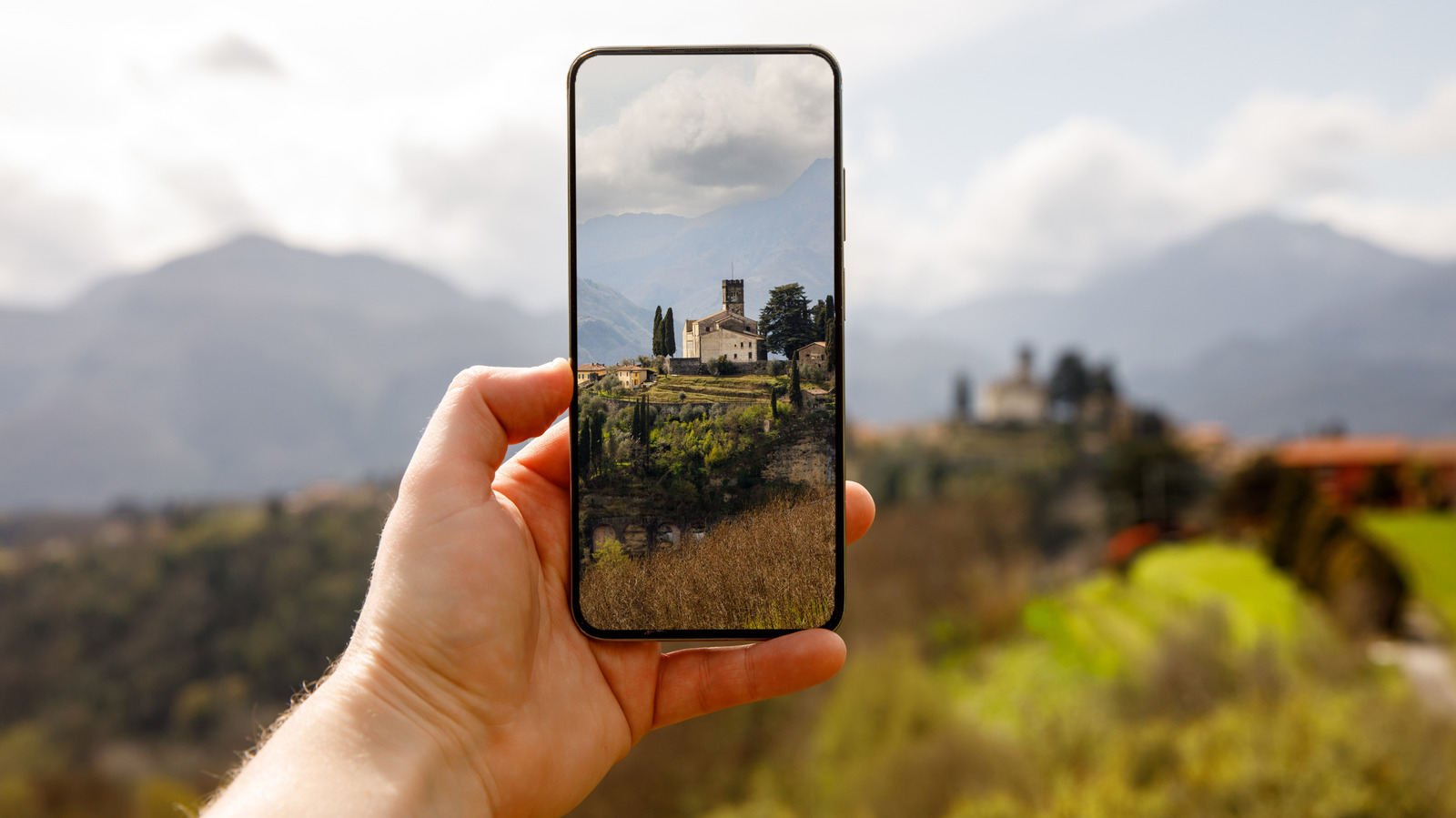
It wasn’t too long ago that flip-phone cameras snapped the kinds of blurry pics typically reserved for photos of Bigfoot and UFOs. However, smartphone camera technology has come a long way in just a few years, with today’s Android phones often capable of delivering truly professional-looking images. That’s not to say that shooting on an Android device guarantees achieving impressive results. Knowing various tricks can help you optimize the vibrancy of pictures taken via an Android device’s camera.
Be aware that factors such as a device’s manufacturer will also influence how you approach smartphone photography. For example, there are Samsung-specific camera settings you can adjust to improve your pics. Similarly, there are hidden Google Pixel features you can leverage to take better photos. That said, the recommendations here can apply to virtually any Android device. If you want your Android smartphone camera photos to pop, remember them the next time you’re out on a photoshoot or simply capturing a spontaneous moment.
Try experimenting with HDR photos

Taking photos in high dynamic range (HDR) mode increases the level of detail a camera can capture across the full range of observable colors. As such, turning on HDR mode is often an easy but powerful way to add more depth and overall vibrancy to pictures taken with Android device cameras.
The general way to turn on HDR mode (though the specific steps might vary slightly from one device to another) is to open the camera settings menu on your phone. Somewhere on the menu, you should see an option to toggle “Auto HDR” on or off. Toggle it on and start taking photos to see how HDR pictures compare with those taken in the default camera mode.
Be aware that HDR isn’t necessarily ideal for all subjects and settings. For instance, one way to achieve dramatic shots with smartphone cameras is to photograph silhouettes. However, HDR mode tends to bring out the kind of detail that you don’t want in a silhouette photo, ruining the contrast that makes silhouette photography so striking. In addition, HDR can sometimes erase shadows that you may want to keep.
In other words, turning on HDR mode isn’t a magic bullet that ensures all your photos will look stunning. That said, in circumstances when high contrast prevents you from capturing the level of detail you want, it can be a powerful tool. Experiment with HDR to get a better sense of when to use it and when not to.
Turn on the gridlines

Professional photographers know that proper composition and framing are among the most important aspects of their craft. Even if you choose a strong subject with good lighting, your pics may still look flat if the way the elements are organized in the frame is less-than-ideal. That’s why photographers often apply common principles like the “rule of thirds,” in which they break the frame down into horizontal and vertical thirds by imagining gridlines over the frame. Strategically placing essential visual elements within the frame along these gridlines can make them pop more. A basic example of this would be a picture of a flower in which the stem aligns with one of the vertical gridlines, perhaps with the petals framed at the intersection of a vertical and horizontal gridline.
Fortunately, you don’t need to visualize gridlines over the frame when taking a picture with an Android camera. Although Android devices offer different gridline options, all Android device cameras allow users to turn on gridlines in the camera settings. Turning gridlines on can help you make more conscious and intentional choices when composing your shots.
Don’t forget to keep the lens clean

Some of the most effective tips for improving your Android camera photos are also some of the most basic. Users can fail to realize just how much the camera lens can get smudged from frequent use. Every time you grab your phone, you risk leaving part of a fingerprint on the lens. These smudges can detract from the contrast and detail in an image.
Luckily, you don’t need any special equipment to clean your device’s camera lens. A microfiber cloth is perfectly suited to this task. If you don’t have one on hand, a clean t-shirt will also do the trick.
In an age when 2000s-era digital cameras are making a comeback, it’s worth remembering that Android devices offer genuinely strong cameras. Even if you embrace the resurgence of compact digicams, it’s unlikely you’ll always have one on you. Your Android phone, on the other hand, is likely nearby more often than not. When the urge to snap a photo arises, these tips will help you capture images that truly live up to your expectations.