




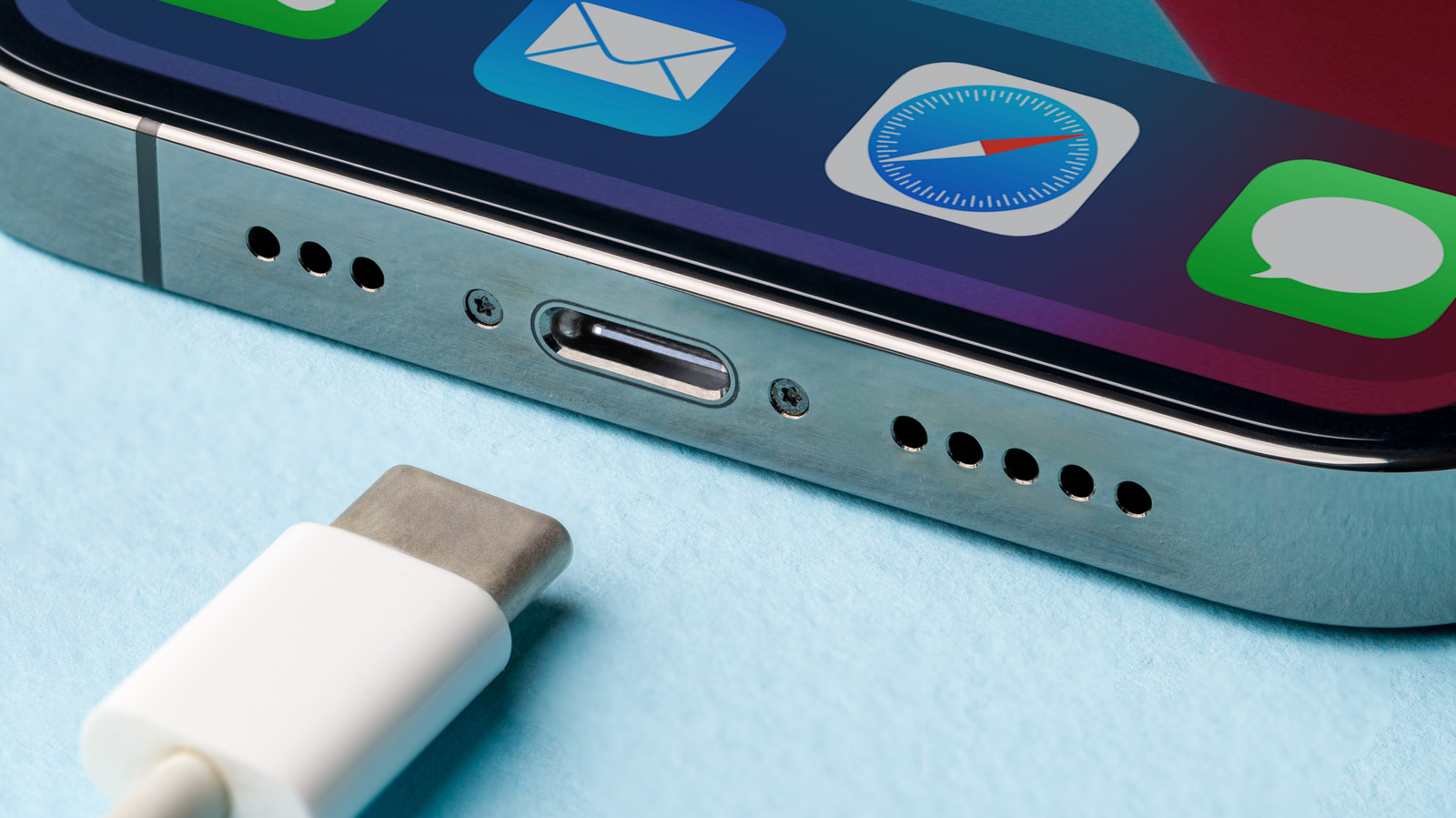
The biggest thing you will want to avoid when charging an iPhone is anything that generates excessive heat. The keyword there is “excessive,” because heat generation is inevitable when charging a phone. Not all of the current goes into the battery, and the energy that gets lost doesn’t just disappear into the ether. It becomes heat, the destroyer of lithium-ion batteries. Heat is also generated as the lithium ions move between electrodes while charging. So, with heat being inherent in the charging process, you don’t want to introduce more of it.
Excessive heat kills lithium-ion batteries because it speeds up the rate of thermal degradation and makes the battery’s internal chemistry unstable. Beyond generating extra heat, you should also avoid other bad charging habits that will cause instability in the iPhone’s lithium-ion battery or cause it to short-circuit. You have to ensure that you are using its smart charging features, not running processor-intensive tasks, and using certified chargers. If you follow these, along with standard good charging habits, like ensuring the phone is well-ventilated (not under a pillow or in a thick case), you will be safely charging your iPhone for a long time.
Always charging your iPhone fully

Just because your iPhone can charge to 100%, doesn’t mean that you should. On the surface, it makes sense: the more charge the battery has, the more mileage you get out of it. It’s not a car, which “loves” a full tank because its fuel pump prefers to be fully submerged, as opposed to constantly sucking air, and there is less space for the fuel to evaporate, increasing fuel efficiency.
Lithium-ion batteries “hate” being filled up because it puts them under high-voltage stress, which can accelerate chemical aging if left in that state for too long, making them lose capacity faster. Also, as they get full, they become less efficient at storing charge, with some of it leaking and turning into heat. If you are using an iPhone 15 or newer, you can set a charging limit to ensure that your iPhone doesn’t charge to 100%. Here’s how to do it:
-
Open Settings.
-
Tap Battery.
-
Tap Charging.
-
Set the charging limit you want.
Charging your iPhone without enabling Optimized Battery Charging

To not stress the battery with high voltage, it’s recommended to unplug the iPhone when it reaches 80%. At the same time, you should not let the battery fall below 20% to avoid the opposite — low voltage stress. This is called the 80-20 rule of charging, but it’s not always practical to follow it, especially if you have a habit of charging your phone overnight. Your phone will eventually fully charge and remain in a state of high voltage stress for a long time, which is why overnight charging is not recommended. It’s not because the battery will overcharge, as the common myth suggests, since modern lithium-ion batteries “know” when to stop taking charge once they’ve reached 100%.
Luckily, iPhones have a feature called Optimized Battery Charging that will learn your charging patterns and delay the phone from charging past 80%. This is especially useful for iPhones that don’t allow you to set a charging limit. Only when the phone has determined that you’re ready to use it will it start charging past that threshold, giving you time to disconnect it.
To enable Optimized Battery Charging on an iPhone, follow the steps below:
-
Open Settings.
-
Tap Battery.
-
Tap Charging.
-
Toggle on Optimized Battery Charging.
Running heavy-duty tasks

Not all tasks you do on your iPhone are the same, as some are more demanding than others. One of the reasons a smartphone is able to run without built-in fans is that its System-on-Chip (SoC), which the CPU is a part of, doesn’t consume a lot of power under normal circumstances. This can change when you run demanding tasks, forcing it to draw more power from the battery in order to run them smoothly. But the more power it draws, the more heat it generates.
That is why your phone will run hotter when you’re playing “PUBG Mobile” than it would if you were answering an email, even under normal circumstances. Since charging is already a process that generates heat, these intensive tasks that demand a lot of energy will compound the heat generation and potentially lead to overheating. When your iPhone is charging, it’s best to leave it be unless you want to do a quick, light task.
Not using a charger that is made or certified by Apple

You can use any charger with your iPhone, but it’s arguably better to use one that is made for it in particular. There are several things that can go wrong when you use an off-brand charger, including constant overheating, port damage, and even frying the motherboard. iPhones are known for their longevity. For instance, the iPhone 13 was the most common iPhone in 2025 in the U.S., which was four years after its release.
However, uncertified chargers can reduce their lifespan or kill them outright since they may not be able to properly regulate charging current. So when purchasing a charger for your iPhone, ensure it’s made by Apple or certified MFi (Made for iPhone) if it’s coming from a third party. These chargers are approved by Apple, offering a guarantee that you will not run into any compatibility or safety issues. Unless you purchased the charger directly from Apple, look for an MFi badge.
Even so, you should gauge the charger’s construction to ensure it’s of high quality. If not, it could be a fake MFi badge. You can also use the Accessory Search feature on the official Apple MFi Program page. You can search by brand, model, or UPC/EAN code. These chargers sound expensive, but they’re not, with some like the Yaptech iPhone Lightning Fast Charger 20W or Linocell iPhone 17 Charger 60W costing $19.99 and $18.97, respectively.